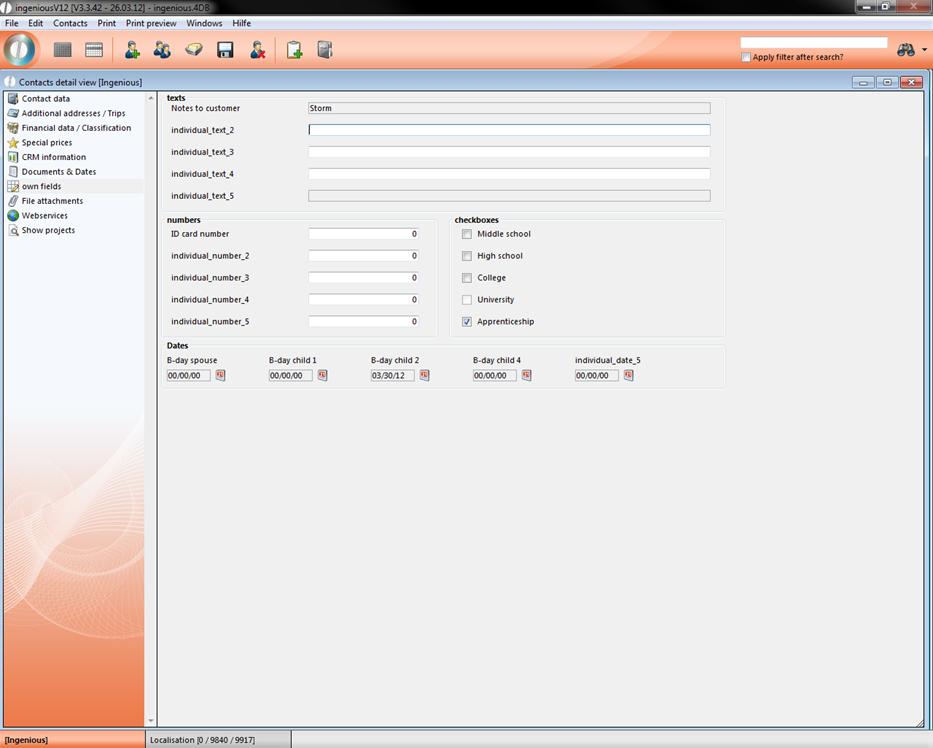
The detail area “Own fields” gives you the possibility to add individual comments to a contact. In order to use this area, one has to unlock the user rights and sign on.
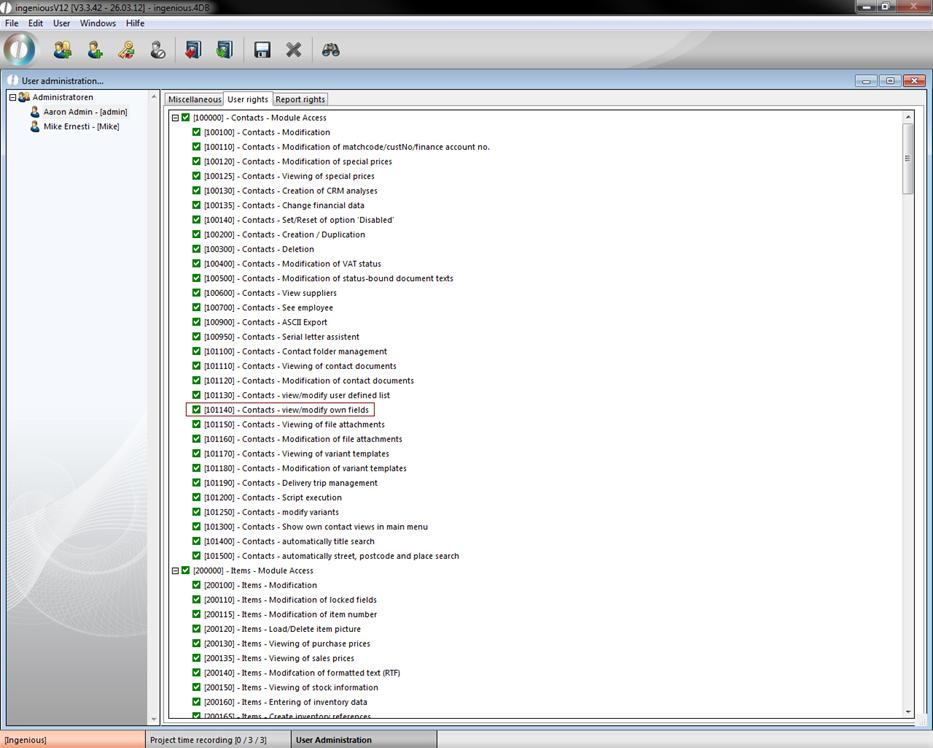
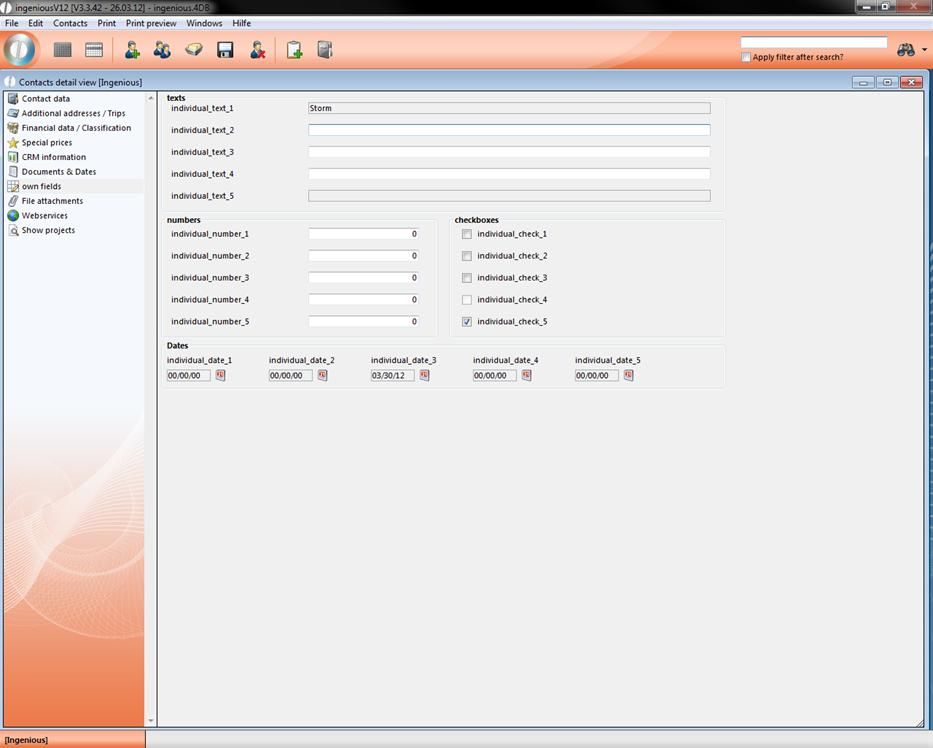
You can also use different text fields and diverse data fields, checkboxes and date information for individual entries.
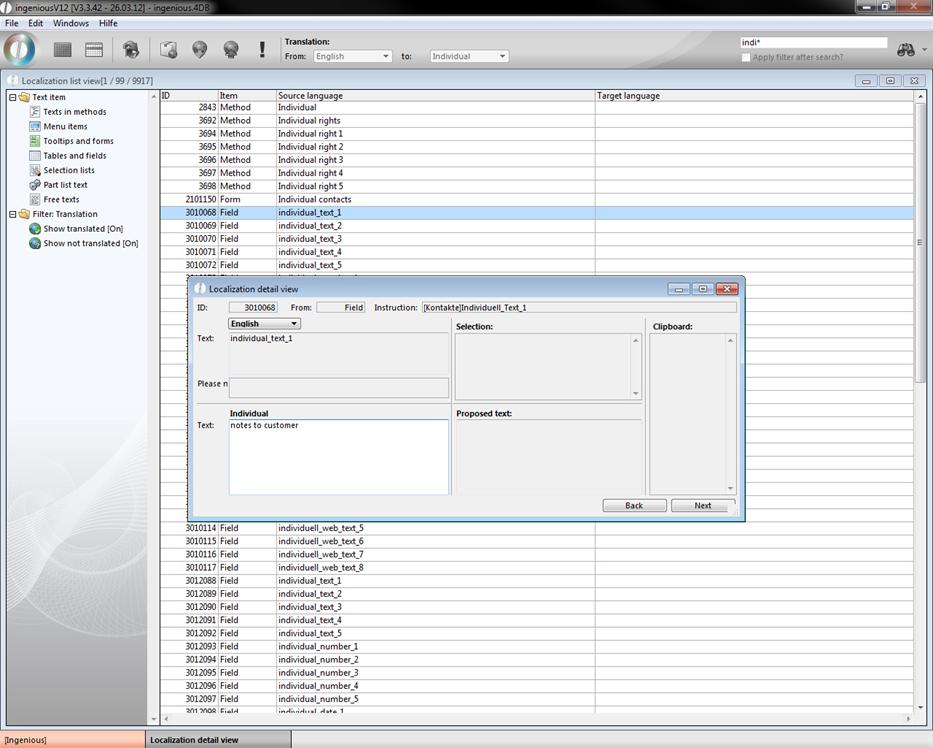
With the help of localization, you can rename the Own fields. Select the option “Own” in the field, “Translate according to”, and go to the area, “Text item” to “Tables and Fields”. To make the search easier, you can enter “indi*” in the quick search.
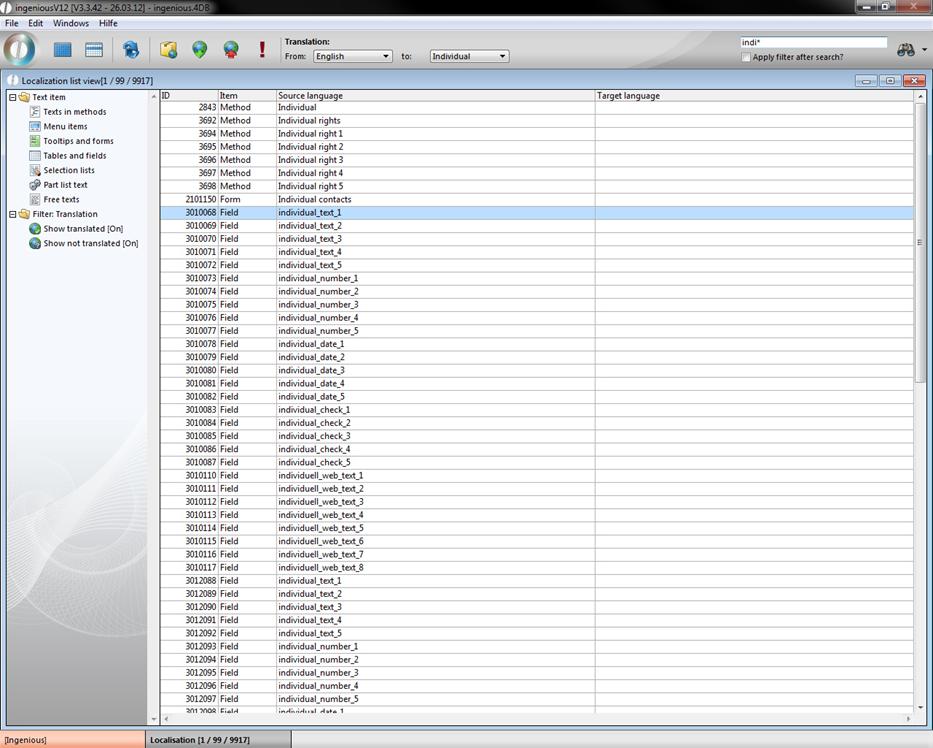
By double-clicking, you can open the desired text entry and rename it. If you do not want to have a field description, then leave it blank.
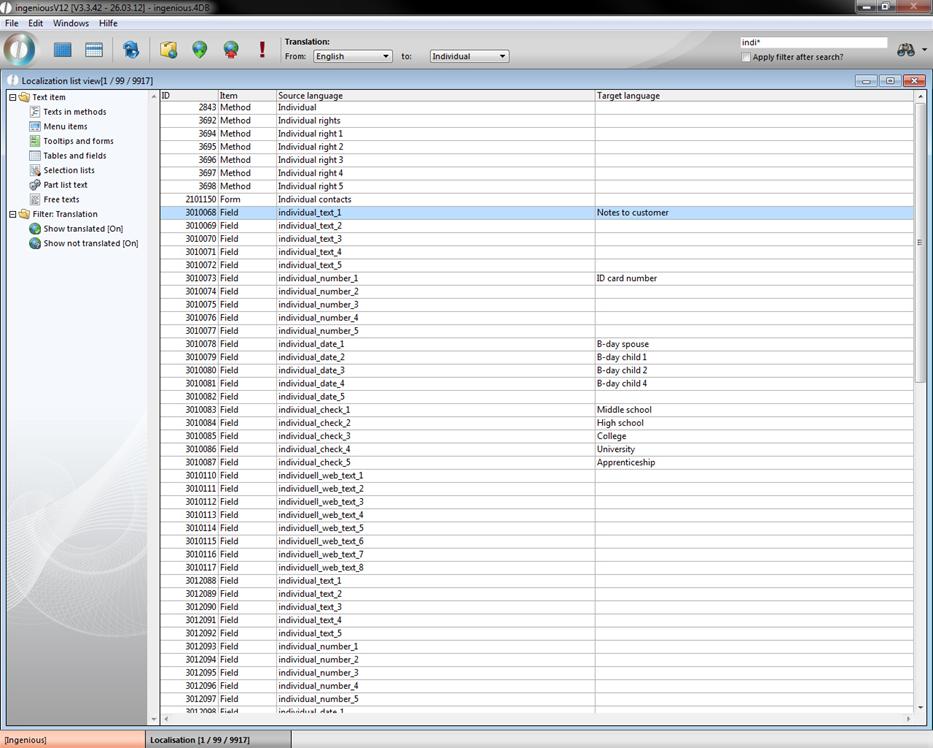
With the  button, you must update the language settings and then you can leave the module. The fields in the contact detail view can look as follows: